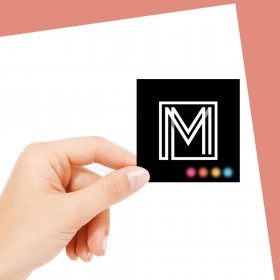
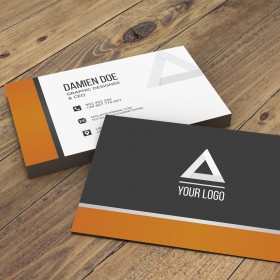
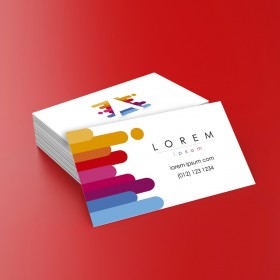
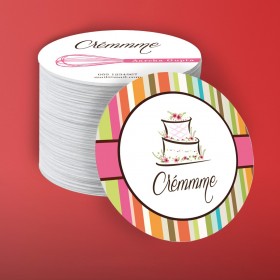
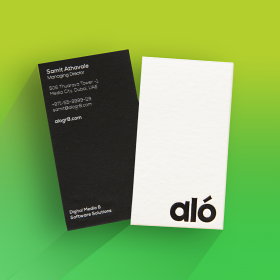
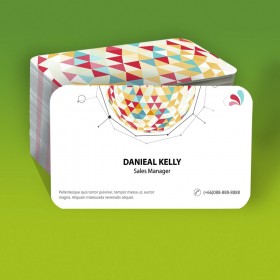
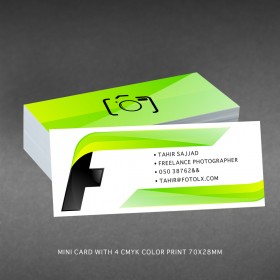
Spot UV business card printing
Extra Raised (Embossed feel), Spot UV Business Card with Velvet Lamination, Prices include both side printing and spot UV. Material 350gsm Art Card
- The edges of the cards will be white irrespective of the front and back background colors (as the edges of the cards can't be printed and they will remain white)
- The backside of the card will be white unless you opt for 2 side print option
- Material Base color : White
- We don't offer free design services for this product. We offer an editing service only, in your existing file which is also paid (we may not be able to arrange the same font while editing, please do not choose an editing service if you want the same font or logo editing). We do not offer logo editing services. The background color of the card cannot be changed from our end if the source file is unsuitable for it.
- If you opt for the editing service, please be aware that we will not provide you with a soft copy of the file by default. However, a soft copy may be available at an additional cost, depending on the designer's design hours and efforts.
FAQs
Q. What is Lamination?
A. Lamination is a thin transparent film that is applied on the surface of the card after the printing is over. CLICK HERE TO WATH THE LAMINATION VIDEO
Q. What is SPOT UV?
A. SPOT UV is a type of coating on specific areas of the card - to make that area look shiny watery overlapping and embossed to some extent, you may have a look at the 3rd party video to understand the SPOT VU concept. CLICK HERE TO WATCH THE VIDEO
Important Artwork Guidelines for High-Quality Printing :
To achieve the best possible print results, please ensure your artwork is prepared according to the following guidelines. These recommendations are based on standard offset printing practices and help avoid common issues that may affect print quality.
1. Work With a Professional Designer
We highly recommend having your artwork created or reviewed by an experienced print-design professional. Offset printing involves technical requirements that differ from digital displays, and a professional will ensure your design meets those standards.
2. Background Colors
Avoid using mixed-color or multi-layered dark backgrounds. These may result in muddy or unclear prints. For sharper, cleaner results, use only one solid background color—Cyan, Magenta, Yellow, or 100% Black.
3. Text and Graphics
All text should be vector-based, not rasterized or image-based, to ensure maximum clarity. Rasterized (bitmap) text or low-resolution images may appear pixelated or blurry when printed.
4. Image Resolution
Ensure all images in your artwork are at least 300 DPI (dots per inch) at actual print size. Lower resolutions can result in blurred or grainy prints.
5. Color Mode
Set your artwork to CMYK color mode, not RGB. CMYK is the standard color mode used in offset printing, and using RGB may cause color shifts or unexpected results.
6. Bleed and Safe Area
Include at least 3mm of bleed on all sides of your design. Keep important text and graphics at least 5mm away from the trim edge to prevent accidental cropping.
7. Fonts and Layers
Convert all fonts to outlines or embed them, and flatten any layers before final submission to avoid compatibility issues.
8. File Format
Preferred file formats are PDF, AI, or EPS with print-ready settings. Avoid sending files in Word, PowerPoint, or low-resolution JPEG formats.