
What Photos Look Best on Canvas? Image Resolution & Photo Selection Guide
Canvas printing is less forgiving of a low-quality source image than a small printed photo, since the image is being enlarged, sometimes considerably, and displayed as a standalone piece rather than tucked into an album. This guide covers what makes a photo work well on canvas.
Resolution
PrintOnline recommends a high-resolution original image, particularly for larger formats such as A1 and A0, where any weakness in the source file becomes much more visible once enlarged. Worth knowing before you upload: the image is printed as you provide it. Quality is not automatically corrected as part of the standard specification, so whatever is wrong with the file is what gets stretched onto the canvas.
Pixel dimensions
As a general rule, the more pixels your original photo has, the larger it can be printed without visible quality loss. A photo taken on an older phone or compressed heavily for social media sharing (rather than the original camera file) often won't hold up well at A1 or A0 size, even if it looks fine on a screen.
Portraits
Portraits generally translate very well to canvas, particularly at square or A-series sizes where the subject can be centred with clean, uncluttered space around them.
Landscapes
Wide landscape shots are a natural fit for panoramic canvas formats, letting the composition's width do the work rather than being cropped down to a standard rectangle.
Family photos
Group and family photos work best when the original image is sharp across the whole group, not just the nearest person, since canvas enlarges any softness in focus along with everything else.
Wedding photos
Wedding photography is often shot at high resolution by a professional photographer, making it well suited to larger canvas sizes; just confirm you're using the original high-resolution file rather than a web-sized copy shared after the event.
Pet photos
Pet photos translate well to canvas, particularly close-up shots with good natural light; a blurry action shot of a moving pet tends to enlarge poorly compared with a still, well-lit portrait.
Travel photos
Travel photography, especially scenic or skyline shots, suits panoramic formats particularly well, letting a wide view breathe rather than being cropped into a square or portrait shape.
Dark photographs
A photo that's noticeably underexposed or dark can print even darker on canvas once enlarged, and may lose detail in shadow areas that was only barely visible on a screen. If your chosen photo looks dim, consider brightening it before submitting, or choosing a better-lit alternative shot.
Keep the important part 10% in from the edges
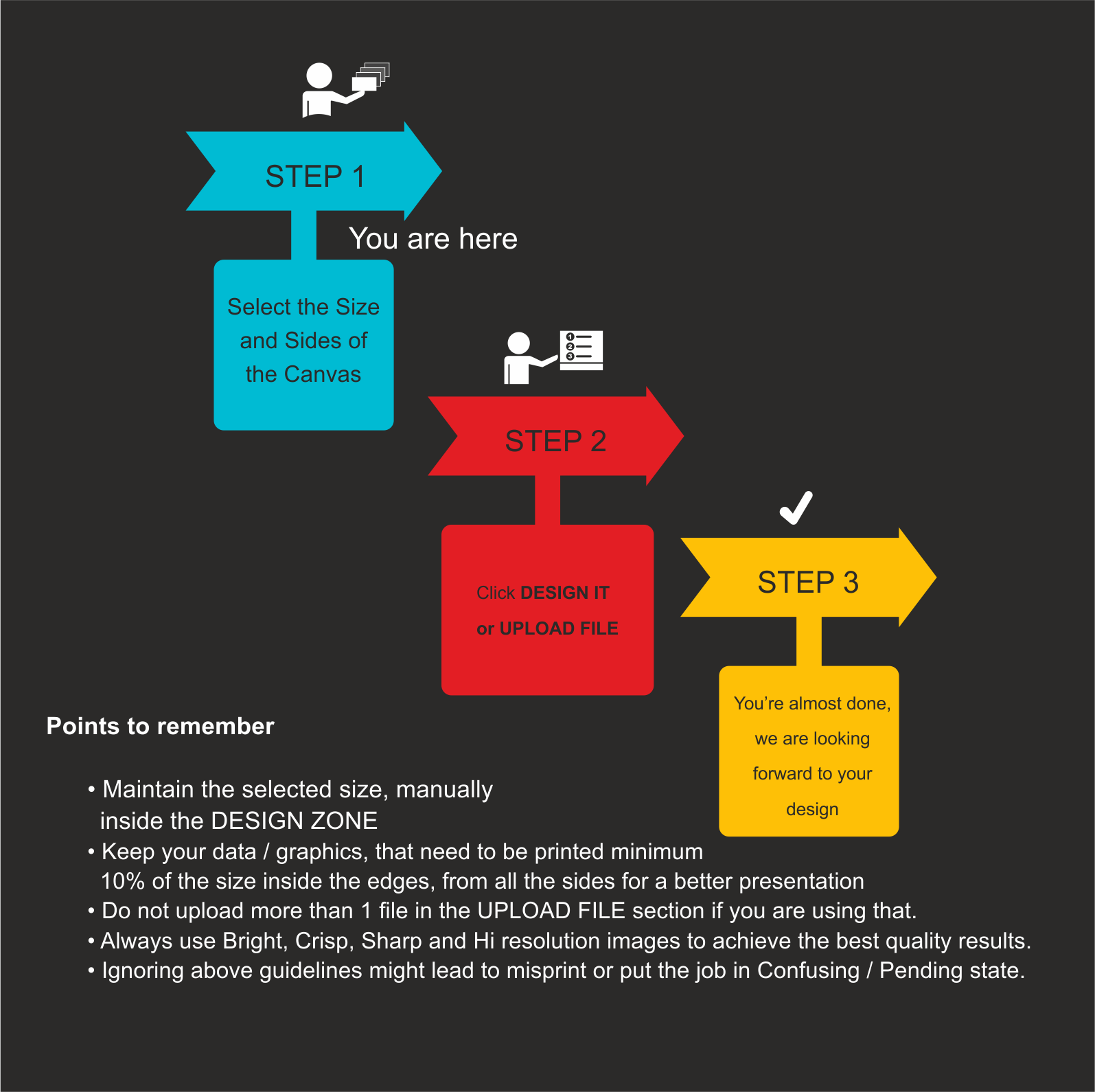
This is PrintOnline's own artwork guidance, and it is the single most useful rule in this article. Keep anything that must be printed at least 10% of the size in from every edge.
The reason is physical. A canvas is wrapped around a frame, so the outermost band of your image bends around the side and stops being visible from the front. If you have chosen stretched image sides, that band is gone from the face of the picture entirely; even with white sides, the very edge sits on the curve. A face, a horizon, a signature or a logo sitting right at the border will be clipped or distorted. Give it room.
Two more from the same guidance: upload only one file in the upload section, and use bright, crisp, sharp, high-resolution images. Ignoring these is what puts a job into a pending state while someone has to come back to you.
Cropping
Think about how your photo will be cropped to fit your chosen canvas shape before you order; an image framed for a square Instagram post won't automatically suit a panoramic canvas without some recomposition.
Aspect ratio
Match your photo's natural aspect ratio to the canvas format where possible. A portrait-oriented photo forced into a wide panoramic shape, or vice versa, generally needs cropping that can cut off parts of the image you wanted to keep.
What happens when an image is enlarged
Enlarging a photo doesn't add detail, it stretches the detail that's already there across a larger area. A low-resolution image enlarged to A1 or A0 can appear soft, pixelated, or blocky, while the same enlargement from a high-resolution original stays sharp. This is why PrintOnline specifically flags resolution as a consideration for its larger formats.
One thing a better photo will not fix
Colour. Colour matching is not offered on canvas prints, and the finished piece can differ from the digital mockup by up to 20%. A screen emits light; canvas reflects it off a textured fabric surface. Choosing a sharper photo will not close that gap, so if exact colour is critical to your project, raise it with PrintOnline before ordering rather than hoping a better file solves it.
Order your custom canvas print from PrintOnline.
Related: custom canvas printing in Dubai: the complete guide, the canvas print size guide and how to order custom canvas prints online.